

In today’s digital age, protecting your privacy on social media is extremely important. This is especially true in Nepal, where online safety threats are growing quickly as more people gain internet access. Locking your Facebook profile should be a top priority to control who can view your personal information.
Why You Must Lock Your Facebook Profile in Nepal
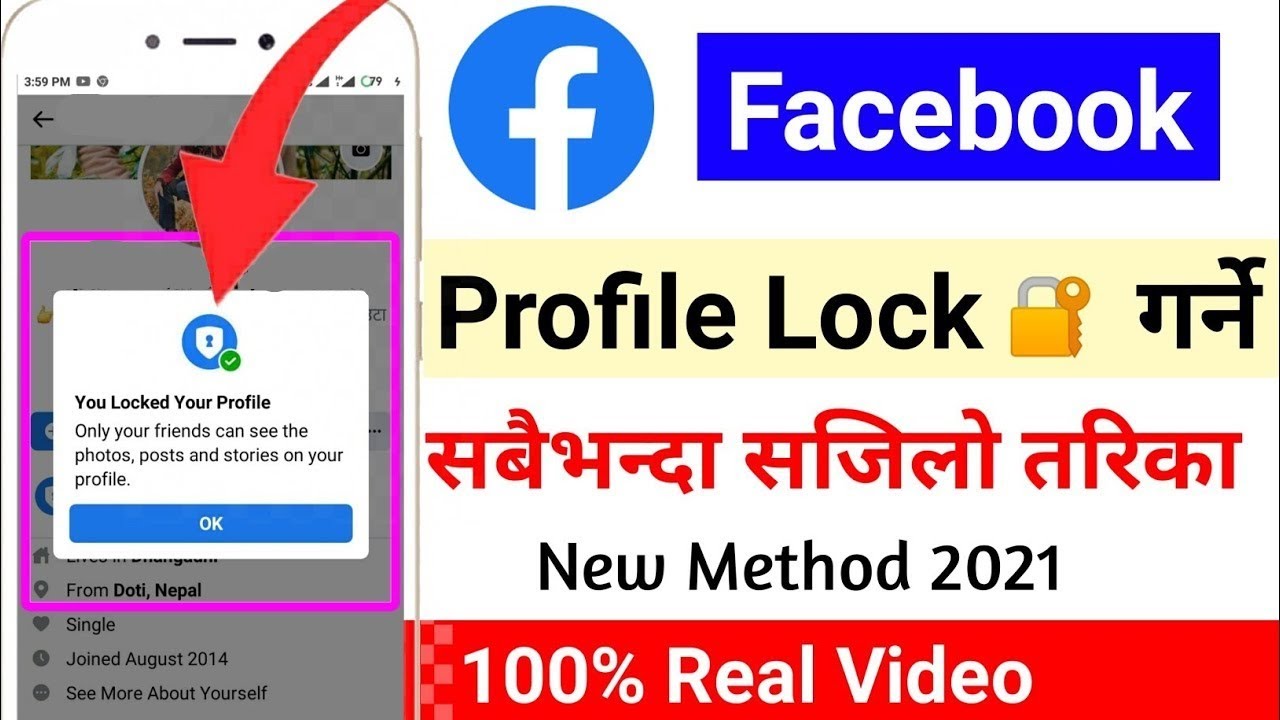
Facebook profile lock adds an extra barrier that prevents random people from accessing your details, photos, posts, and more. Only friends that you approve can see your full profile. This gives great peace of mind and security.
As digital connectivity rises across Nepal, so do risks like hacking, fraud, and identity theft. Locking down privacy settings on your social media is a crucial preventative measure. Facebook’s profile lock makes it much harder for bad actors to misuse your information or impersonate you online.
Enabling profile locks is essential to navigating Nepal’s evolving digital landscape safely. It lets you restrict your profile views in a customized way. You decide exactly which friends or friend lists can see your posts and info.
A Simple Step-by-Step Guide to Lock Your Facebook in Nepal
Locking your Facebook profile takes just a minute! Follow these basic steps:
- Open the Facebook app on your phone and login to your account
- Tap on your profile picture and navigate to your profile page
- Select the 3 dots menu in the top right corner
- Choose the “Lock Profile” option
- Review and adjust the privacy settings to your comfort level
- Tap “Confirm” to finalize locking your profile from public access
Remember to come back periodically and update your profile lock settings as needed. Adding new friends over time can change who you want to grant access.
Advanced Security Measures to Fortify Your Facebook Account in 2024
Profile lock just scratches the surface of Facebook security features. Here are some additional ways to harden protection:
Use Two-Factor Authentication (2FA)
Two-factor authentication is a must-have. Beyond your login password, 2FA generates a special code needed to access your account. Activating 2FA dramatically decreases hacking risk.
Frequently Review Connected Apps
Be cautious when connecting third-party apps to Facebook. Periodically check your app permissions and remove any unused, outdated, or suspicious ones. This gives you tighter control.
Monitor Your Login History
Routinely examine your Facebook login history for odd activity. If you see logins from unfamiliar locations, secure your account immediately using the “Log Out Of All Sessions” option.
Common Facebook Security Questions from Nepali Users
How often should I review my privacy settings?
Check your Facebook security controls every 2-3 months for optimal safety. Update as needed if you notice issues or want tighter restrictions.
Can Facebook profile lock be enabled on a computer? Yes! The profile lock feature works the same way on both mobile and the Facebook website. Just access it through the 3 dots menu on your profile.
Is 2FA necessary or just a nice extra privacy feature? Absolutely necessary! 2FA blocks nearly all unauthorized logins, so it’s one of the best ways to lock down your account.
Should I friend strangers on Facebook while living in Nepal? No way! Accepting random friend requests greatly enables scams, hacking, catfishing, and misuse of your private data. Extreme caution is warranted.
What if my account gets hacked somehow? Immediately initiate Facebook’s account recovery process. Verify your identity through trusted emergency contacts or documentation submissions to regain access.
Bottom Line
This comprehensive guide equips you to lock your Facebook profile in Nepal and implement robust security measures in 2024 and beyond. Apply these tips to control your sensitive personal data, thwart digital threats, and navigate the online world safely.
Read Also: How To Make Money from Facebook 10 Tips
Frequently Asked Questions:
Here are the top 10 frequently asked questions about locking your Facebook profile and account security in Nepal, with answers:
What are the benefits of locking my Facebook profile in Nepal?
Locking your profile adds an extra layer of privacy protection by restricting full access only to friends you approve. This prevents misuse of your personal information as online threats rise in Nepal.
Is the profile lock available on both mobile and desktop Facebook?
Yes, the profile lock feature can be enabled in the same way by accessing the 3-dot menu on your profile page on both mobile apps and the Facebook website.
Should I enable two-factor authentication (2FA) for stronger security?
Absolutely! Two-factor authentication dramatically boosts account safety by requiring both your password and a special login code to access your account.
What steps can I take if I lost access to my 2FA method?
You can regain account access through Facebook’s account recovery process by providing trusted contacts or addressing identity verification requests.
How often should I review connected apps and permissions?
It’s good practice to examine your approved apps and permissions at least every 3 months and revoke access to any unused, suspicious, or outdated apps.
Is it risky to connect third-party apps to my Facebook account?
Yes, exercise great caution when allowing apps access, thoroughly vetting them first. Only connect reputable apps that provide value and require sensitive permissions.
Should I accept Facebook friend requests from people I don’t know in Nepal?
No, never accept friend requests from strangers or vague acquaintances, as this dramatically raises privacy, data leakage and hacking risks in Nepal’s digital landscape.
What should I do if I notice suspicious activity on my account?
If you spot any unusual logins or behavior, immediately secure your account using the “Log Out Of All Sessions” option under Security Settings.
How can I recover my account if it gets hacked?
Initiate Facebook’s account recovery process by verifying your identity or addressing requests through contacts, documents, and proof of ownership to regain access to your compromised account.
How often should I review my privacy settings and login history?
Check your Facebook account security controls, including login history, every 2-3 months to ensure optimal safety based on your recent activity and connections.