



Want to use your NTC data pack without spending your main balance? Knowing how to check your remaining data is essential. It helps you save your SIM balance and allows you to purchase another package when your data is low.
Don’t worry; we’re here to help. Read this article to learn various methods to check your remaining data volume in NTC.
How to Check Remaining Data in NTC
You can check data usage for both Nepal Telecom SIM cards and home Wi-Fi. Here, we’ll discuss all methods for checking data on your SIM and Wi-Fi.

Checking Data on Nepal Telecom SIM Card
If you are an NTC user, it’s easy to check your remaining data. There are different methods for GSM and CDMA users, including:
- USSD Code: Dial the code to get your data balance.
- SMS: Send a message to receive your data balance.
- Self-care Website: Login to the NTC self-care portal.
- NTC App: Use the official app to check your balance.
By using these methods, you can easily keep track of your data usage and manage your balance effectively.
Using the USSD Code
It is a very easy process to check the remaining data in your NTC SIM using the USSD code. The USSD code to check the NTC data pack is *1415*55#. To check the remaining data in your NTC sim card follow the steps given below:
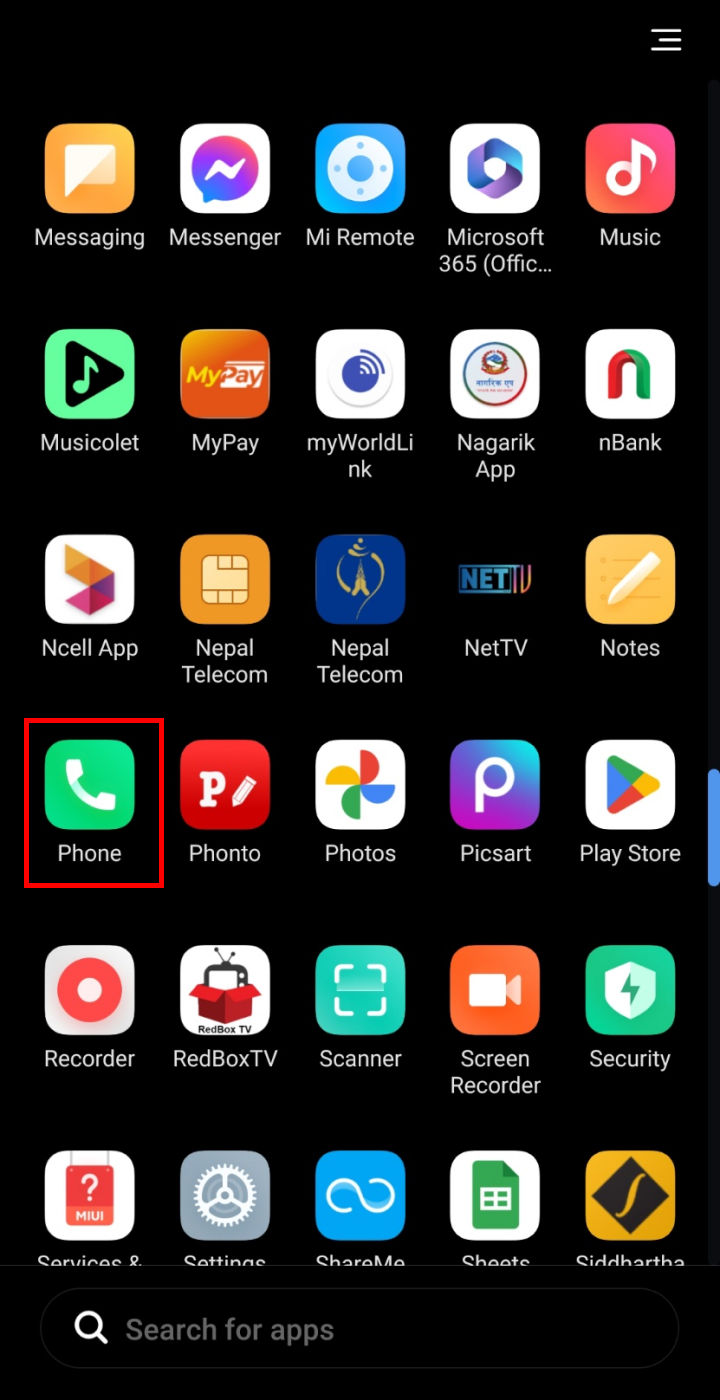
- Open the dialer application on your phone.
- Type *1415*55# and dial it from your NTC sim to know the remaining data.
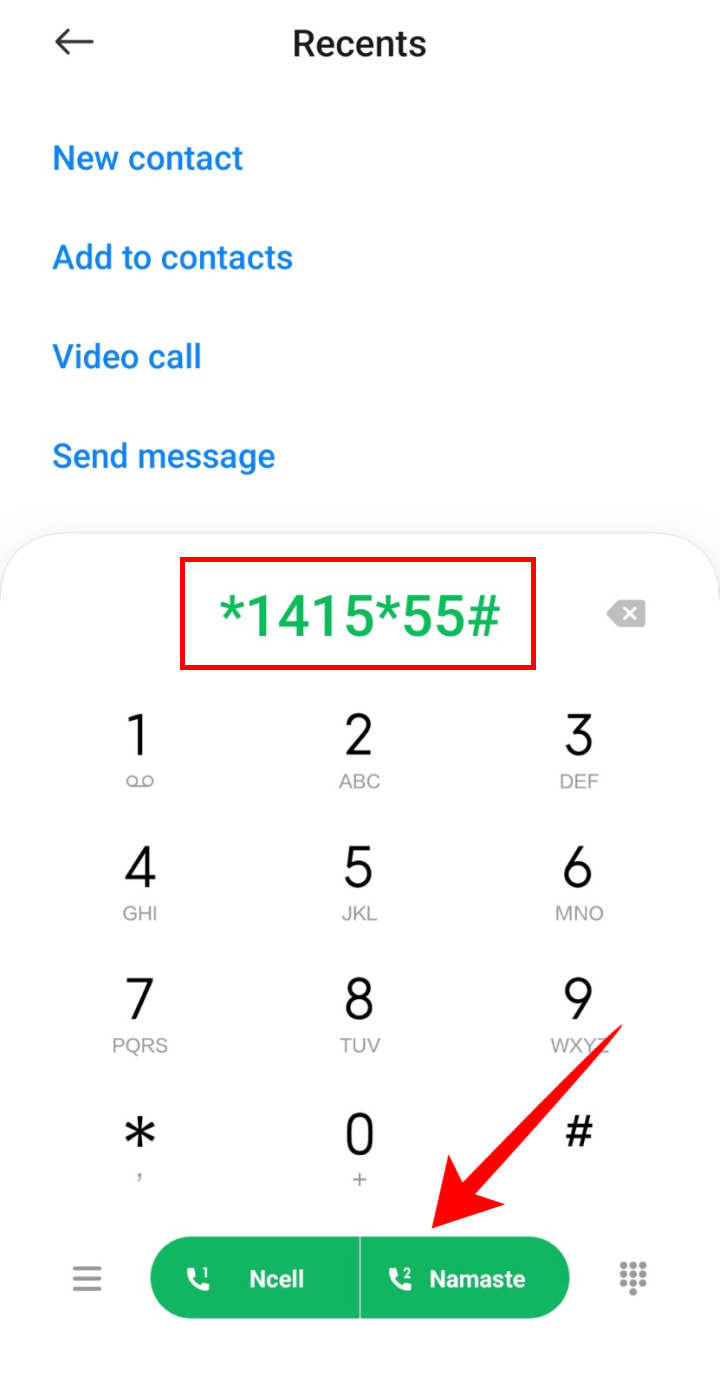
So, by following these steps, you will be able to check the NTC data pack. The same method is applicable for GSM and CDMA sim.
Using the SMS Service
The next method to check the remaining data volume in NTC is by using the SMS service. To check the remaining data follow the steps below:
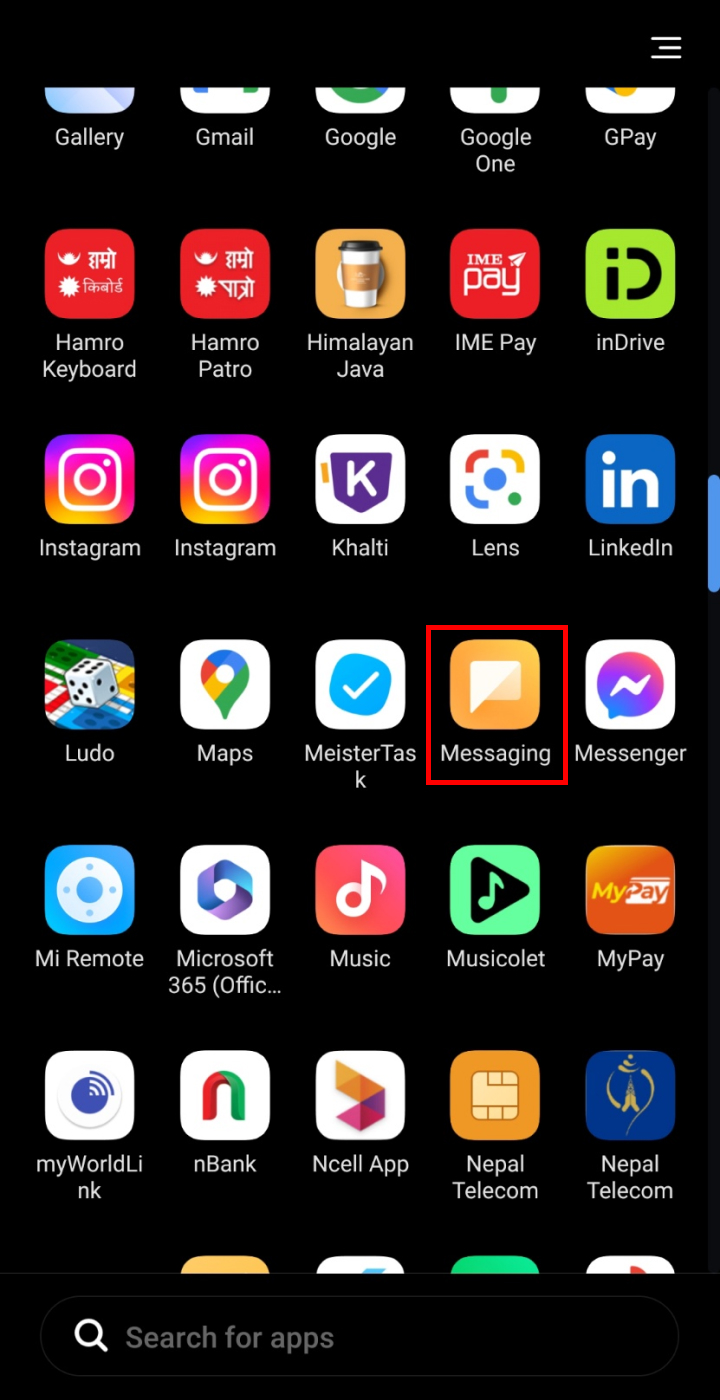
- Open the Messaging application on your phone.
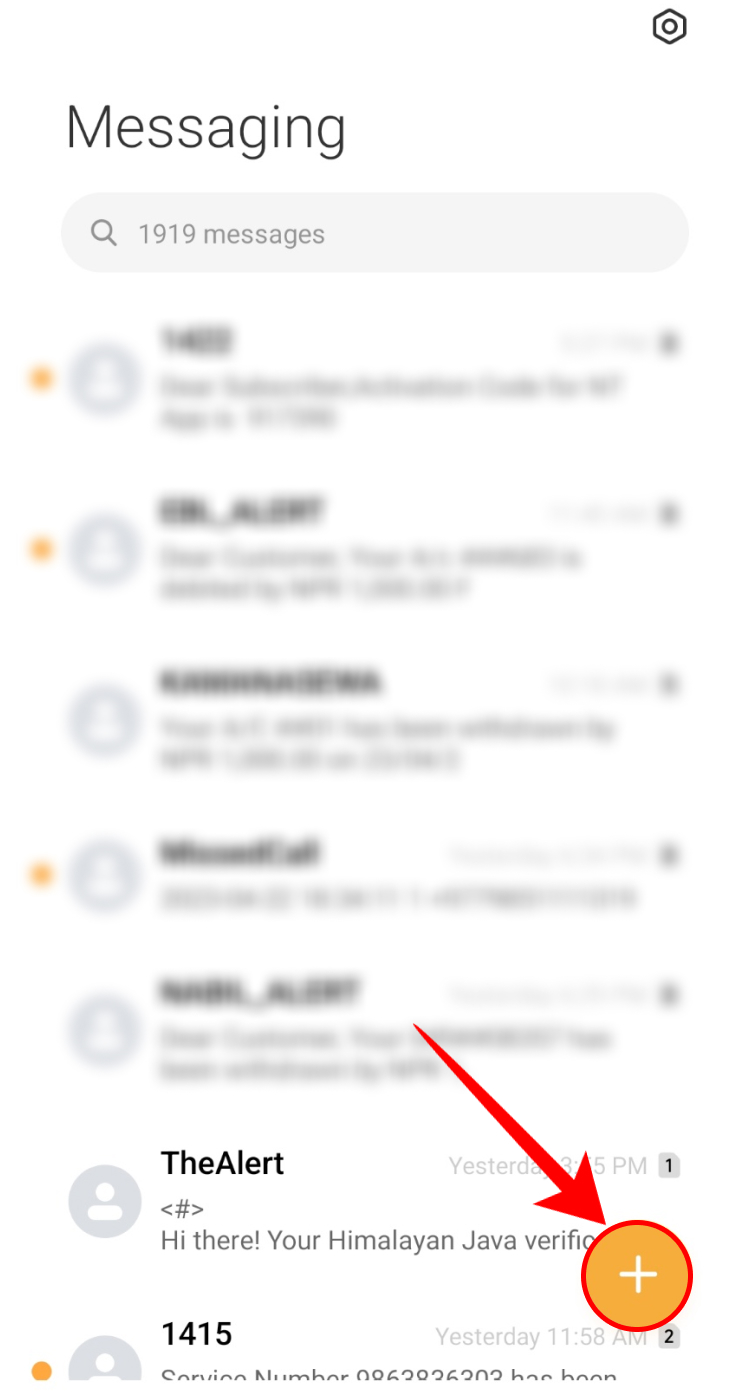
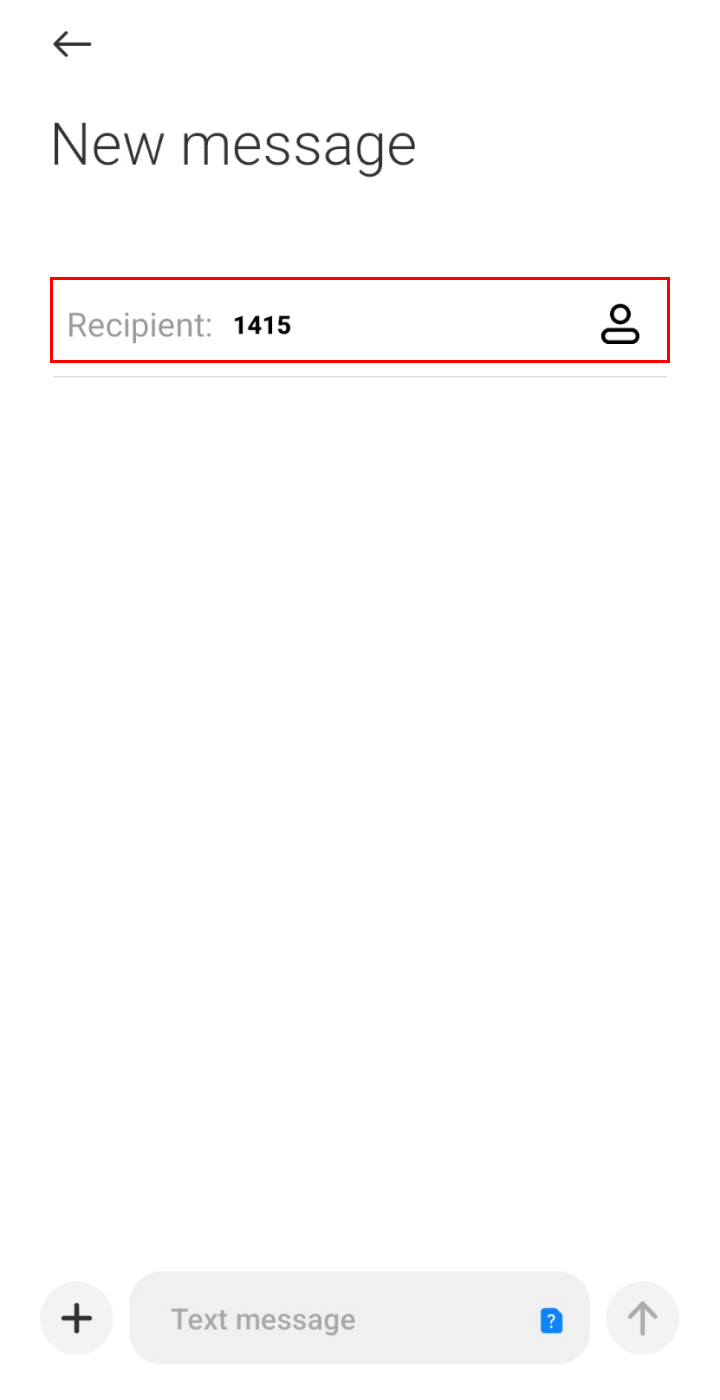
- Tap on the + icon to compose a new message.
- Type 1415 in the recipient.
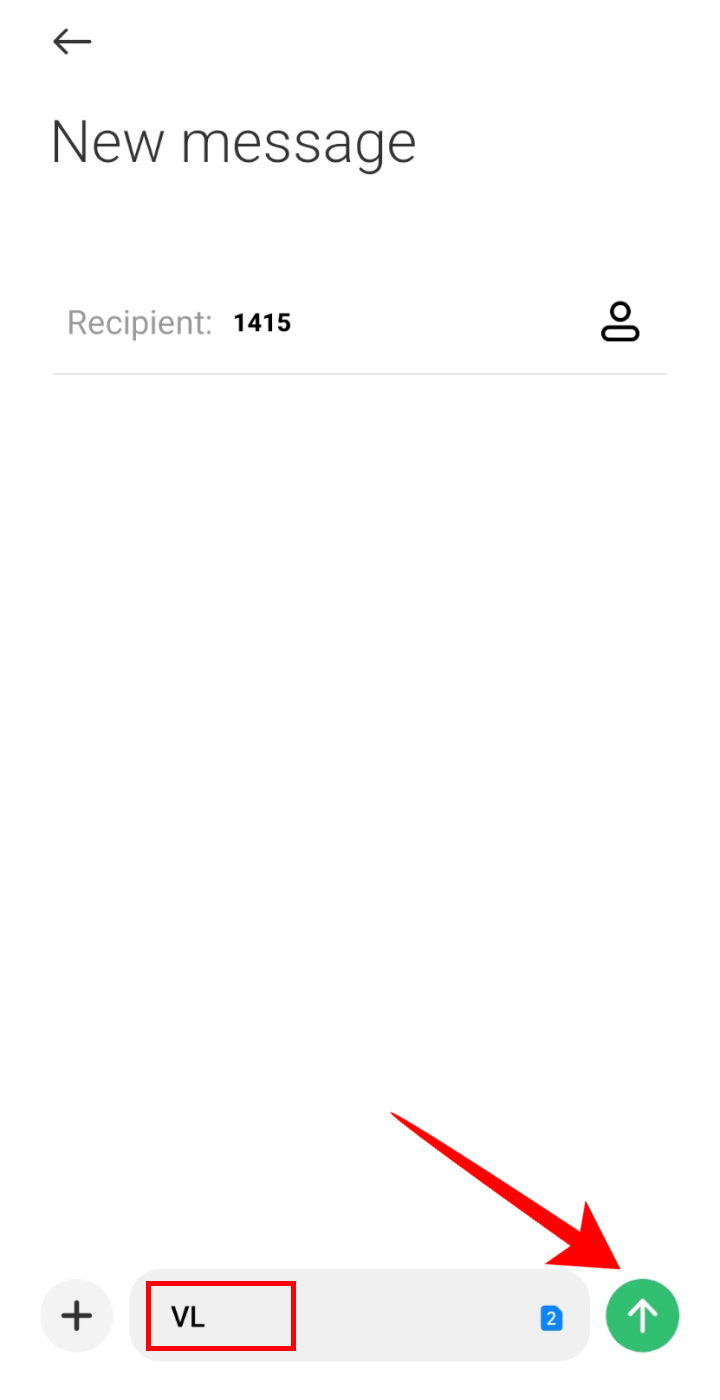
- Enter VL in the message and send it using the NTC sim to know your data.
The above method applies to GSM prepaid and CDMA SIM. For the GSM postpaid, open the message, type CB in the message, and send it to 1400.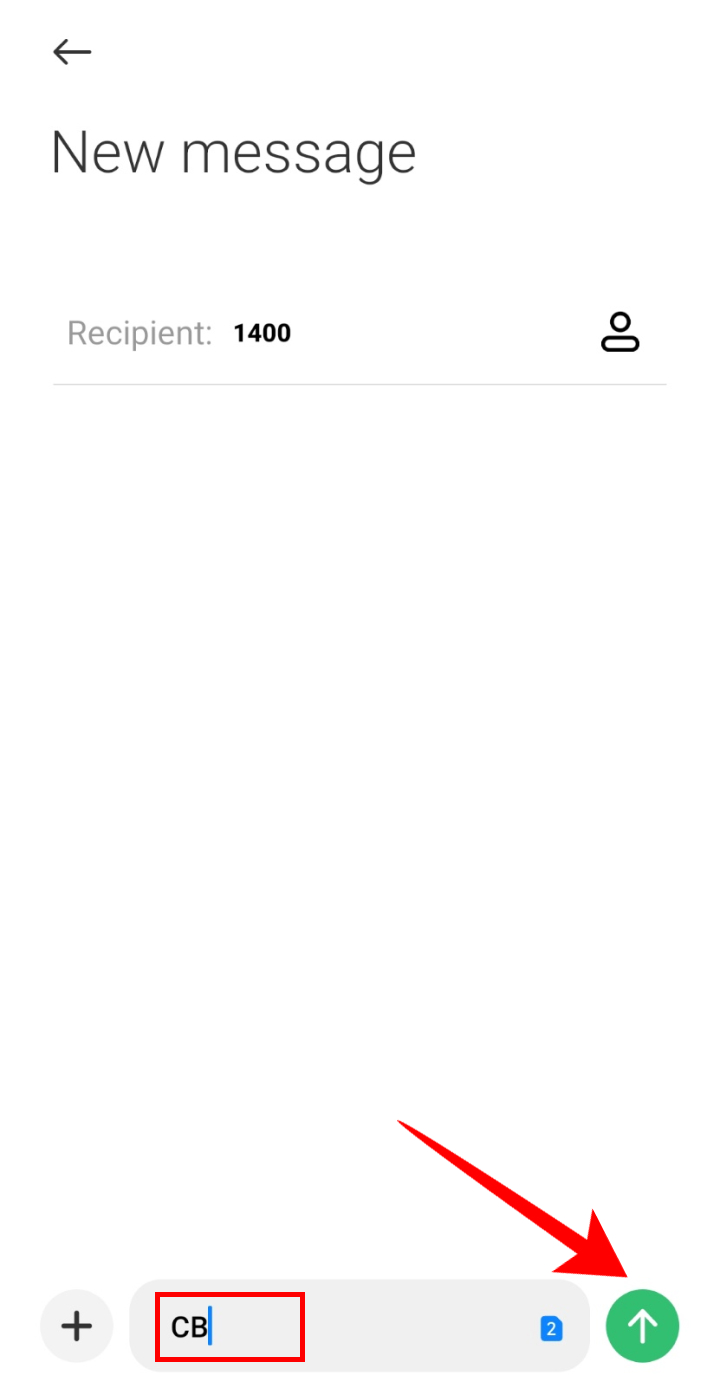
Using the NTC Self-care website
You can also check the NTC data pack by visiting the self-care website. To do so, follow these steps:
- Open the NTC website and click on ‘Self Care’.

- Enter your username and password and tap on ‘Login’.
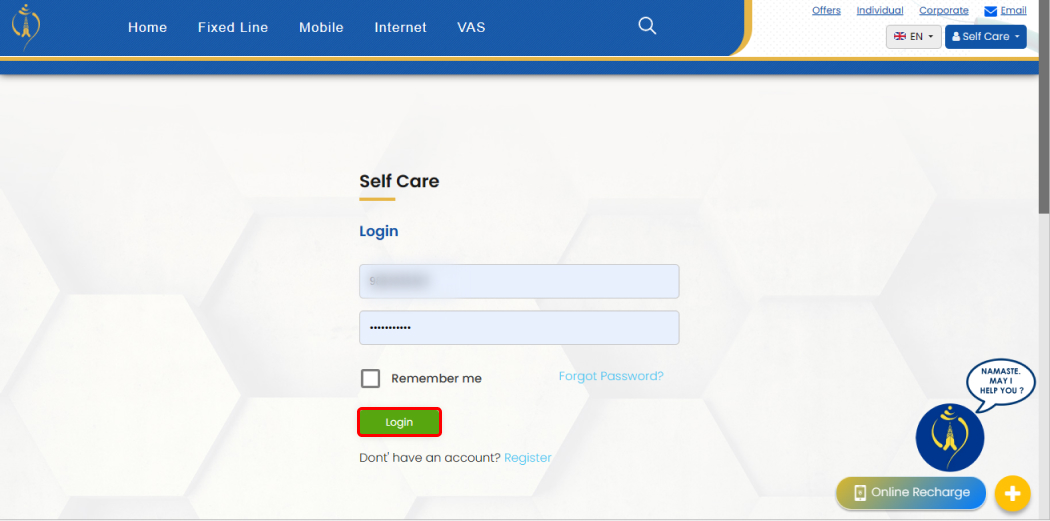
- Check the volume query to know the data.
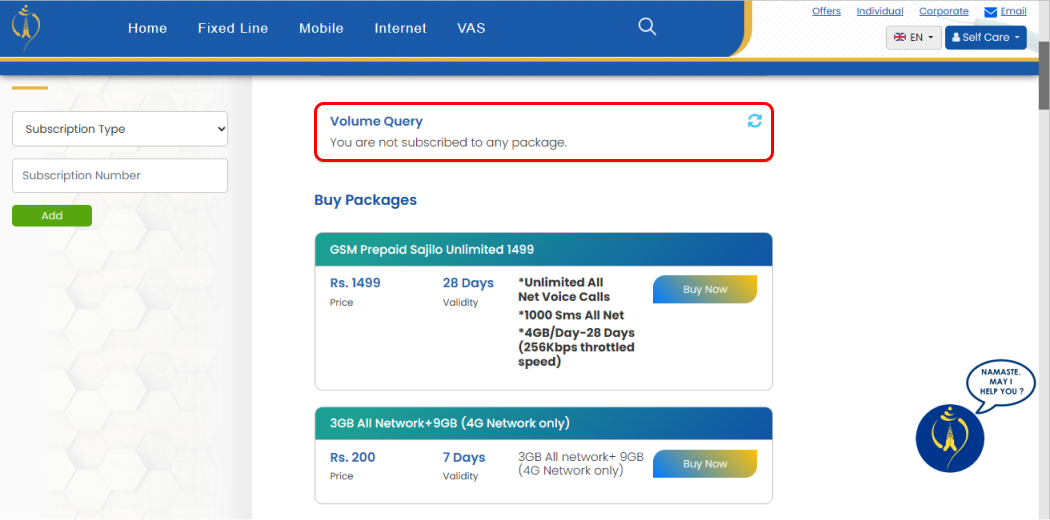
This way, by following these steps, you will be able to view the remaining data.
Using the NTC App
You can also check your remaining data from the NTC app. If you do not have the NTC app, you can download it for Android from the Google Play Store and for iPhone from the Apple Play Store. Once you log in to the system, you can view the remaining data on your SIM card.
Check Data in Nepal Telecom FTTH, ADSL, and Wi-max
If you have NTC Wi-fi at home, then you can also check the remaining data very easily. You can do this using the self-care website or using the SMS service. We will guide you through both of these methods to check the remaining data in your account.
Via the Self-Care website
The easiest way to check the remaining data volume in NTC FTTH is by using the self-care website. Here, you can check the validity, remaining data, and so on. To check the remaining data using the self-care website, open the self-care page and log in to the system. Below the volume query, you will see all the information related to the remaining data.
Via SMS
You can also use SMS to check the remaining data in FTTH, ADSL, and Wi-max. To check the data follow the steps given below:
- Open the Messaging application on your phone.
- Tap on + to compose a new message.
- Enter 1415 in the recipient.
- Type VL*NTADSL<your phone number> and send it from your NTC sim.
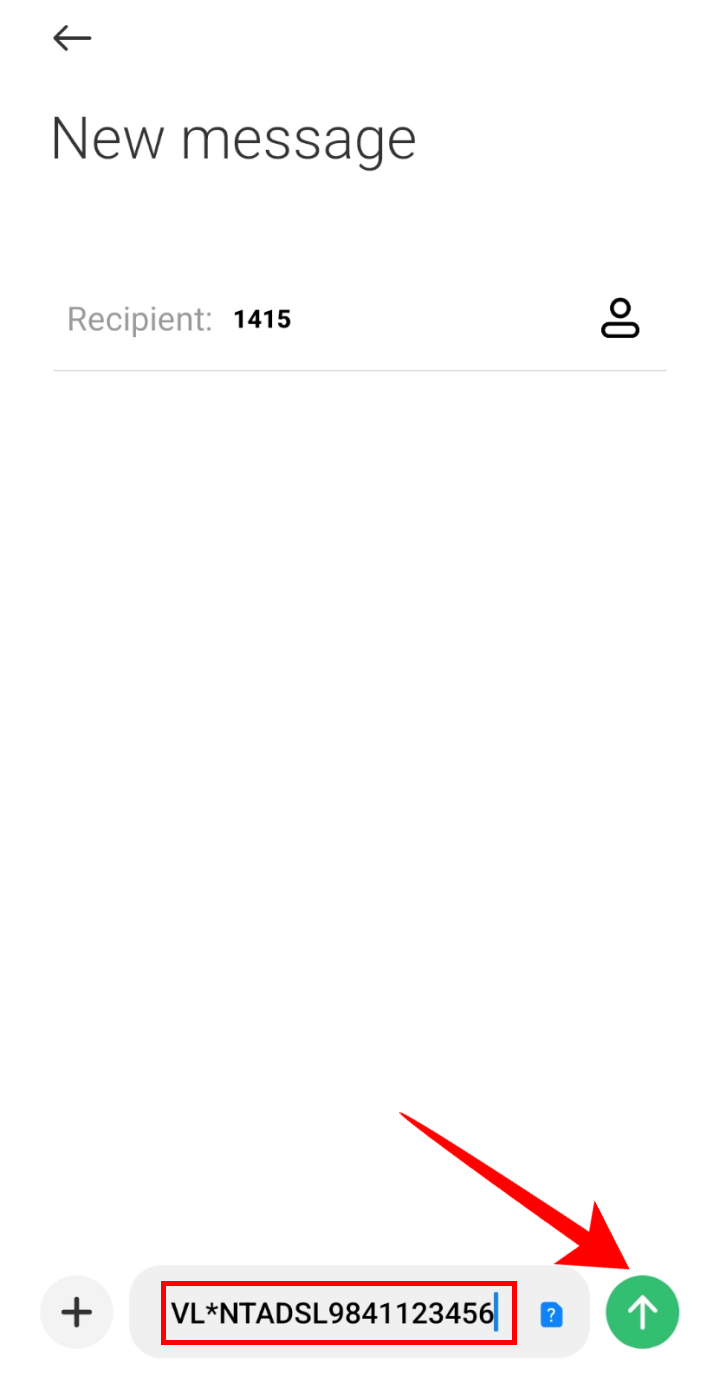
To check the remaining data of Wi-max, send VL*NTWIMAX<your customer ID> to 1415. Similarly, for the FTTH, send VL*NTFTTH<your customer ID> to 1415 and know your remaining data.
Conclusion
Monitoring your remaining data on NTC is a straightforward process that can help you manage your internet usage effectively. By following the steps outlined in this guide, you can easily check your remaining data balance. If you encounter any issues or have questions about checking your NTC data pack, feel free to comment down below.
Frequently Asked Questions (FAQs)
How to Check Remaining Data in Ncell?
To check the remaining data in Ncell, open the dialer application on your phone and call *101# from your Ncell SIM. You will shortly receive a message showing the remaining data you have.
How to Check Remaining Data in an NTC?
To check the remaining data in Smart Cell, call *1415*55# from your Smart Cell SIM. You will then receive a message with the remaining data on your card.
Read Also: